Hop Earth drive real roads

Real roads / browser game

Play Hop Earth Game Online

Welcome to the ultimate real-world driving sandbox. Hop Earth uses live open-source map data to generate 3D streets anywhere on the globe. Choose your location, summon your vehicle, and hit the road. The game is fully loaded and ready to play directly below—jump right in!

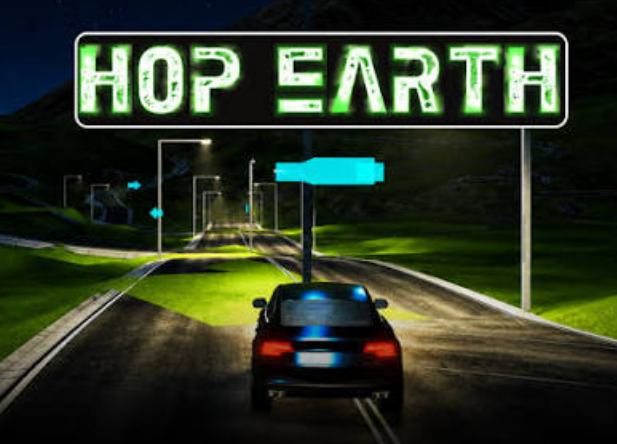
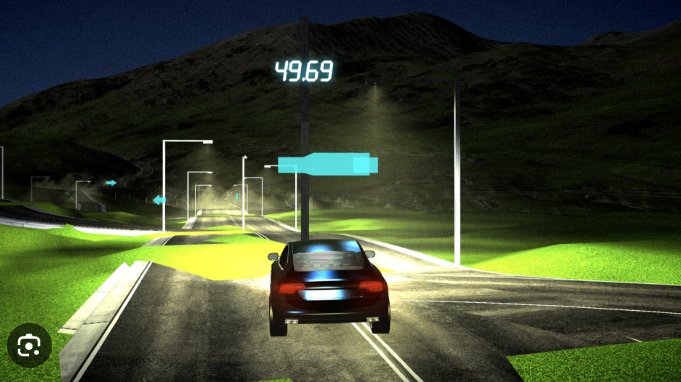
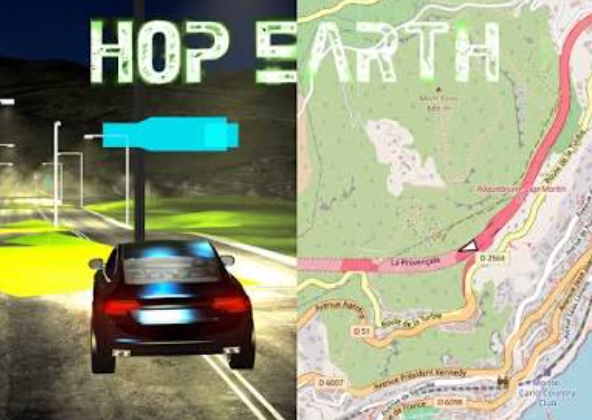
Hop Earth game screen showing a car and map controls

Player rating

4.5 / 5 from 1037 votes

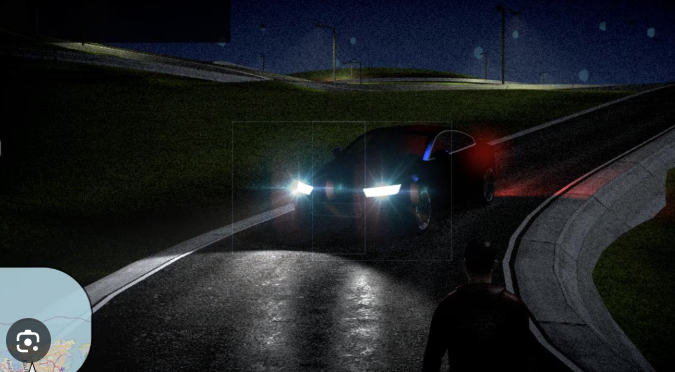
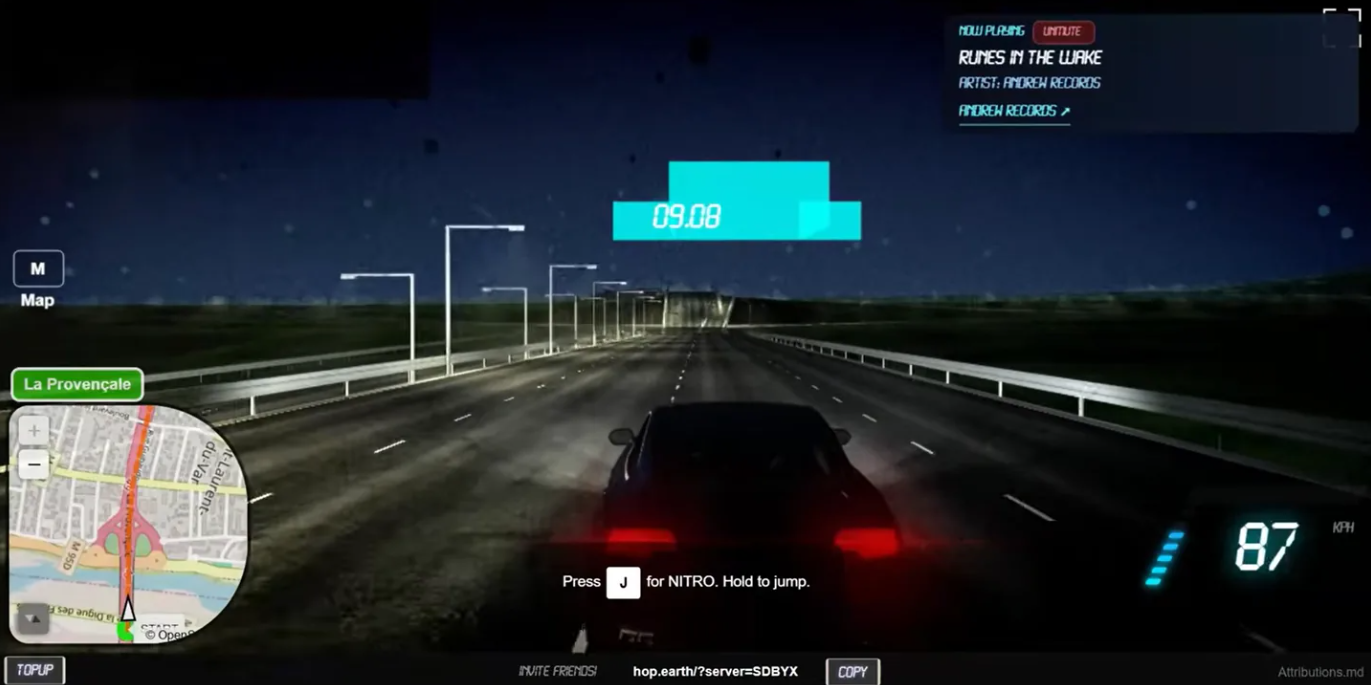
Hop Earth driving through a generated real-world road scene

Official game window

Open Hop Earth when you are ready to drive.

The official game opens in a focused pop-up window, while this guide stays available in your current tab.

If the game window does not appear, allow pop-ups for this site and press Play Now again.

Generated geography

What is Hop Earth?

Hop Earth turns familiar places into a 3D driving experiment 🗺️

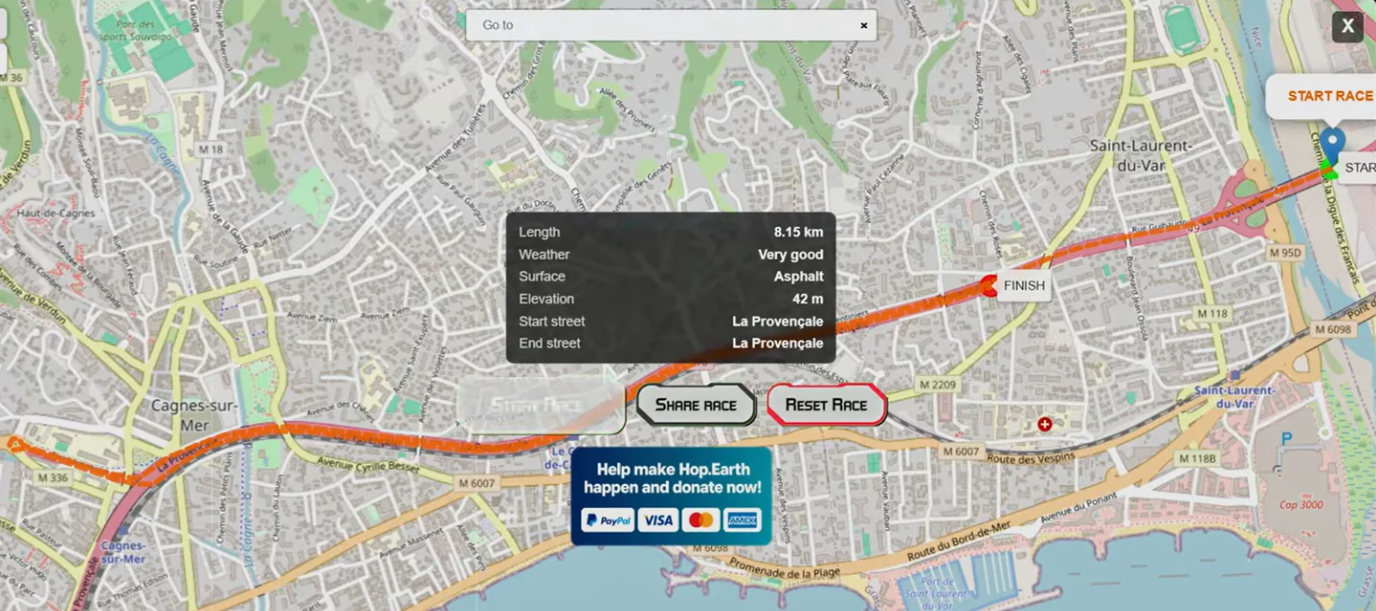
Hop Earth is a browser driving experience built from mapped road geometry and elevation data. It does not aim to recreate a street as a photograph. Instead, it gives you a playable interpretation of connected roads, hills, bridges, and turns, so a route can feel recognizable while still behaving like a generated game world.

That difference makes the first session more interesting: choose a connected road, wait for the scene, click to give the game keyboard focus, and learn what the current location produces before chasing a longer trip.
First session

How to play Hop Earth

01

Choose a broad road

A clear city avenue gives you fewer variables than a dense interchange.

02

Wait for terrain

Let the visible road stop changing before summoning a car.

03

Focus the game

Click the driving view so keys do not stay with the outer page.

04

Drive a short loop

Use a small target before trying a difficult coast or mountain route.

For the complete sequence, open the How to Play Hop Earth guide.

Keyboard basics

Hop Earth controls

ActionKeysUseful first habit
MoveW, Z, or Up ArrowStart with a brief press after clicking inside the live game.
Brake / reverseS or Down ArrowSlow first, then reverse only when the vehicle has settled.
SteerA / D or Left / RightUse small inputs on a first route instead of sharp corrections.

Live controls can change; use the current in-game overlay as the final reference and see the Hop Earth controls page for recovery and focus tips.

Shared driving

How Hop Earth multiplayer works

A good shared race starts with a stable solo session. Confirm that a simple road loads, that the car responds, and that the route is understandable before sharing a race or inviting another player. A clear start point and one modest objective make synchronization problems easier to separate from a difficult map location.

The multiplayer guide explains how to prepare a route, compare a join problem, and agree on simple race rules.

Safe access

Where can I play?

Use the official Hop Earth web experience through the launcher above. The normal route is browser-first, so treat unrelated EXE, APK, extension, or “fix” downloads with caution. This site is an independent guide and does not relay the official service or handle game accounts.

If the player does not open, work through the Hop Earth fixing issues checklist before changing several browser settings at once.

Route roulette

Recently observed routes

Use these original route prompts as virtual-driving goals. They are not real-world navigation advice, road-safety guidance, or a promise that every location will generate identically.

City routeMedium

Lisbon hill weave

Search for Avenida da Liberdade, Lisbon inside the game.

Objective

Connect two viewpoints without leaving the main road.

Suggested time: 10-minute run

Open game

Keep the guide nearby

Hop Earth Guides

Pick the shortest guide for the decision in front of you: start a drive, choose a route, understand the map, share a race, or isolate a stubborn problem.

Quick answers

FAQs

Can I play Hop Earth in my browser?

Yes. Press Play Now above to load the official Hop Earth site in a focused window without downloading a separate installer.

Why does the game need a moment to appear?

Road geometry, terrain, and the live game session can arrive at different speeds. Let the scene settle before repeatedly using recovery actions.

Does this guide control my Hop Earth account?

No. This fan guide cannot inspect accounts, change a race, or read inputs inside the official game frame.

What should I try after a first drive?

Use the route generator for a simple objective, then visit the controls or fixing issues page when a specific problem appears.